When to check a website's SEO: what to review after a redesign or a migration
A redesign can wipe out titles, redirects and canonicals. When to check website SEO after a redesign and what to review before, during and after the change.
· 3 min read
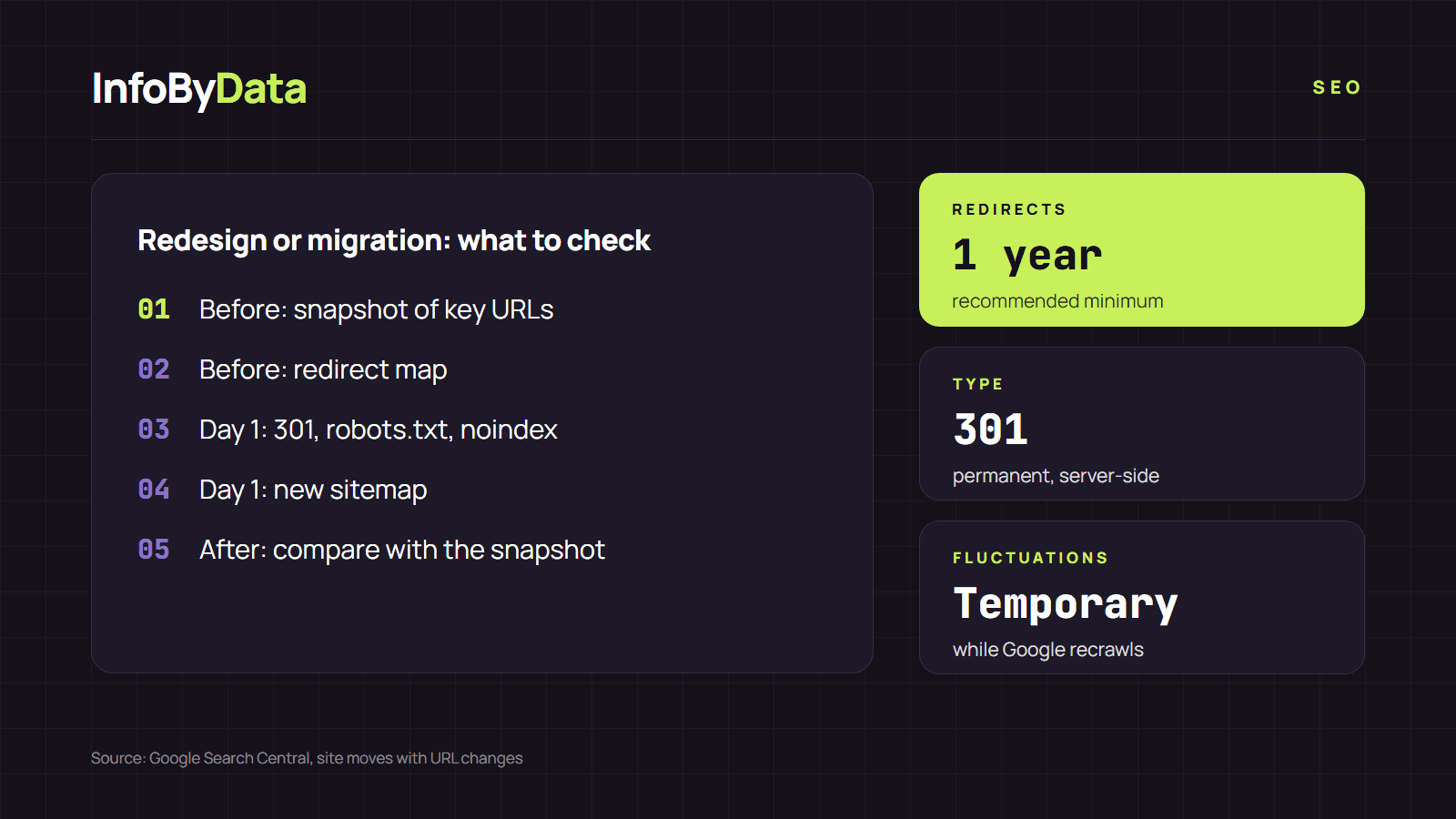
A site can lose Google traffic overnight without anyone touching the content. All it takes is a template change that leaves every page with the same title, or a migration that forgets the redirects. Google warns about this in its guide to moving a site: with any significant change you may see ranking fluctuations while it recrawls and reindexes the site. That is why you should check website SEO after a redesign, and before it too.
1 year
Redirects
keep them at least that long
301
Redirect type
permanent, server-side
temporary
Fluctuations
while Google recrawls
Source: Google Search Central, site moves with URL changes
View the data as a table
| Redirects | 1 year | keep them at least that long |
| Redirect type | 301 | permanent, server-side |
| Fluctuations | temporary | while Google recrawls |
When to check a website's SEO
Besides a routine monthly review, there are moments when checking your website's SEO is a must:
| Moment | Main risk |
|---|---|
| Redesign or new template | Titles, H1s or descriptions that disappear or repeat |
| Platform change (for example, to another CMS) | New URLs without redirects |
| Domain change or move to HTTPS | Lost signals if the redirects fail |
| New plugin or theme | Noindex tags or canonicals added by mistake |
| Sharp drop in organic traffic | A block or technical error nobody noticed |
Before the change: take a snapshot of the site
- List your important URLs. Export them from Search Console's Performance report: the pages with the most clicks in recent months.
- Analyze each one with our tool to check website SEO and save each page's title, description, H1 and canonical.
- Prepare the redirect map, from old URL to new URL, for every page whose address changes.
Check website SEO after a redesign, starting on launch day
- 301 redirects from each old URL to its new equivalent, not to the home page. Google recommends keeping them for at least one year.
- robots.txt: make sure the staging site's
Disallow: /is gone. - noindex: many systems turn it on for sites under construction. Check that it has been removed.
- Updated sitemap with the new URLs, submitted in Search Console.
Check website SEO after a redesign: compare with the snapshot
Run your important URLs through the tool to check website SEO again and compare with what you saved:
- Are the title and the description still unique, or does the new template repeat them?
- Is the H1 still there, or did it end up inside an image?
- Does the canonical point to the new URL or still to the old one?
- Does the "final URL" arrive in a single hop or go through several redirects?
Checking website SEO after a redesign does not end on day one: also review Search Console's indexing report over the following weeks. A rise in "not found (404)" or "page with redirect" pages tells you what slipped through. To measure the impact, follow the steps to check your website's SEO with Search Console.
The routine monthly review
Outside of big changes, checking your website's SEO once a month with a 10-minute checklist is enough to catch in time what changes without warning: a plugin that updates or a page someone edited. For a deeper review, every six to twelve months, run a full SEO audit.
What it means for you
- Never launch a redesign without a prior snapshot. To check website SEO after a redesign is only useful if you have something to compare with. Saving your key pages' title, description and canonical takes an hour and saves you weeks of diagnosis.
- Redirect each URL to its equivalent. Sending everything to the home page loses each page's relevance.
- Expect fluctuations, but measure. Google warns they are normal; if they do not recover after a few weeks, compare with your snapshot and look for what changed.
Sources
- check website SEO after a redesign
- check website SEO
- SEO migration
- 301 redirects
- canonical
- SEO analyzer