How to check website SEO step by step: a 10-minute checklist
How to check website SEO in 10 minutes with Google, Search Console and an on-page analyzer, step by step and with the most frequent errors per the data.
· 3 min read
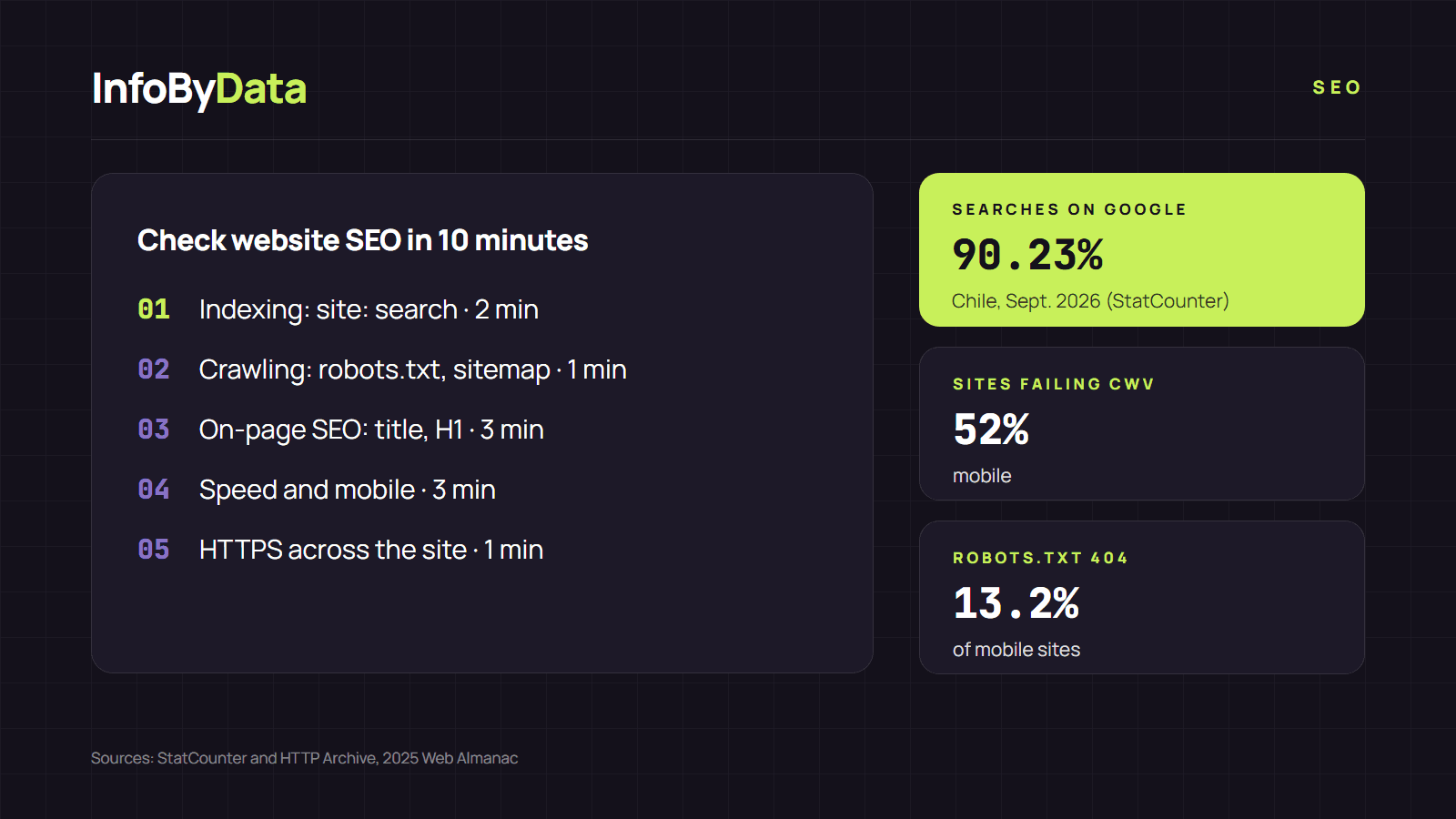
In Chile, 90.23% of searches go through Google, according to StatCounter (September 2026). If your site has a basic error, such as a page without a title or one blocked by accident, you lose visits on the search engine almost everyone uses. The good news is that you can check website SEO essentials in about 10 minutes. This checklist tells you what to look at and with which tool.
2 min
Indexing
site: search on Google
1 min
Crawling
robots.txt and sitemap
3 min
On-page SEO
title, description, H1
3 min
Speed and mobile
Core Web Vitals
1 min
Security
HTTPS across the site
View the data as a table
| Indexing | 2 min | site: search on Google |
| Crawling | 1 min | robots.txt and sitemap |
| On-page SEO | 3 min | title, description, H1 |
| Speed and mobile | 3 min | Core Web Vitals |
| Security | 1 min | HTTPS across the site |
Step 1 to check website SEO: does Google know your site? (2 minutes)
Search for site:yourdomain.com on Google. If results appear, your site is in the index. If nothing shows up, or important pages are missing, that is your first problem. In Google Search Console you can see the page indexing report and the reasons why some pages are not in Google.
Step 2: check robots.txt and the sitemap (1 minute)
Open yourdomain.com/robots.txt. Look for Disallow: / lines that block the whole site: a common mistake after moving a staging site to production. According to the 2025 Web Almanac, on 13.2% of mobile sites the robots.txt does not even exist and returns a 404 error (Google reads that as "no restrictions"). Also check that the robots.txt points to your sitemap.
Step 3: check the on-page SEO of your key pages (3 minutes)
Paste the URL of your home page and your two or three most important pages into our tool to check website SEO. In seconds you see:
- whether each page has a title of reasonable length and a meta description;
- whether there is a clear H1;
- whether it declares a canonical URL;
- how many images have no alternative text;
- whether a noindex tag is keeping the page out of Google.
These errors are not rare: the 2025 Web Almanac found that 30% of mobile pages have no H1 and 33% have no meta description.
Step 4: measure speed and the mobile version (3 minutes)
Open PageSpeed Insights and analyze your home page. Look at the three Core Web Vitals:
| Metric | What it measures | Google's target |
|---|---|---|
| LCP | How long the main content takes to appear | 2.5 seconds or less |
| INP | How long the page takes to respond to a click | 200 milliseconds or less |
| CLS | How much the page shifts while loading | 0.1 or less |
52% of mobile sites fail Core Web Vitals, according to the same report. Remember that Google indexes the mobile version of your site, so always check that tab first.
Step 5: confirm everything uses HTTPS (1 minute)
Type your domain with http:// and check that it takes you to the https:// version. Your analyzer shows it on the "final URL" line. Today 91.5% of mobile pages already use HTTPS, according to the Web Almanac.
What to do with what you find
Write down each problem and sort it like this: first, what prevents indexing (blocks, noindex); then, what changes how you appear (titles, descriptions); and last, the improvements (images, speed). We explain how to read each result in our article on how to read SEO analyzer results.
This checklist helps you check website SEO at a basic level. You can repeat it every month with the same tool to check website SEO and compare the results. If you find many problems, or your site has hundreds of pages, move on to a full SEO audit. More guides in our SEO section.
What it means for you
- Ten minutes a month covers the essentials. To check website SEO with this checklist is to catch the errors that cost the most visits.
- Start with the pages that bring in revenue. The home page, the categories and the contact or checkout pages deserve the first review.
- Keep your results. If you write down what you saw today, next month you will know whether something changed without anyone deciding it.
Sources
- check website SEO
- SEO checklist
- SEO analyzer
- Search Console
- Core Web Vitals
- on-page SEO