How to run a free online SEO analysis if you are not an expert: a guide for small businesses
A free online SEO analysis tells you whether your page is ready for Google. What each result means, without jargon, and what to ask your web provider.
· 3 min read
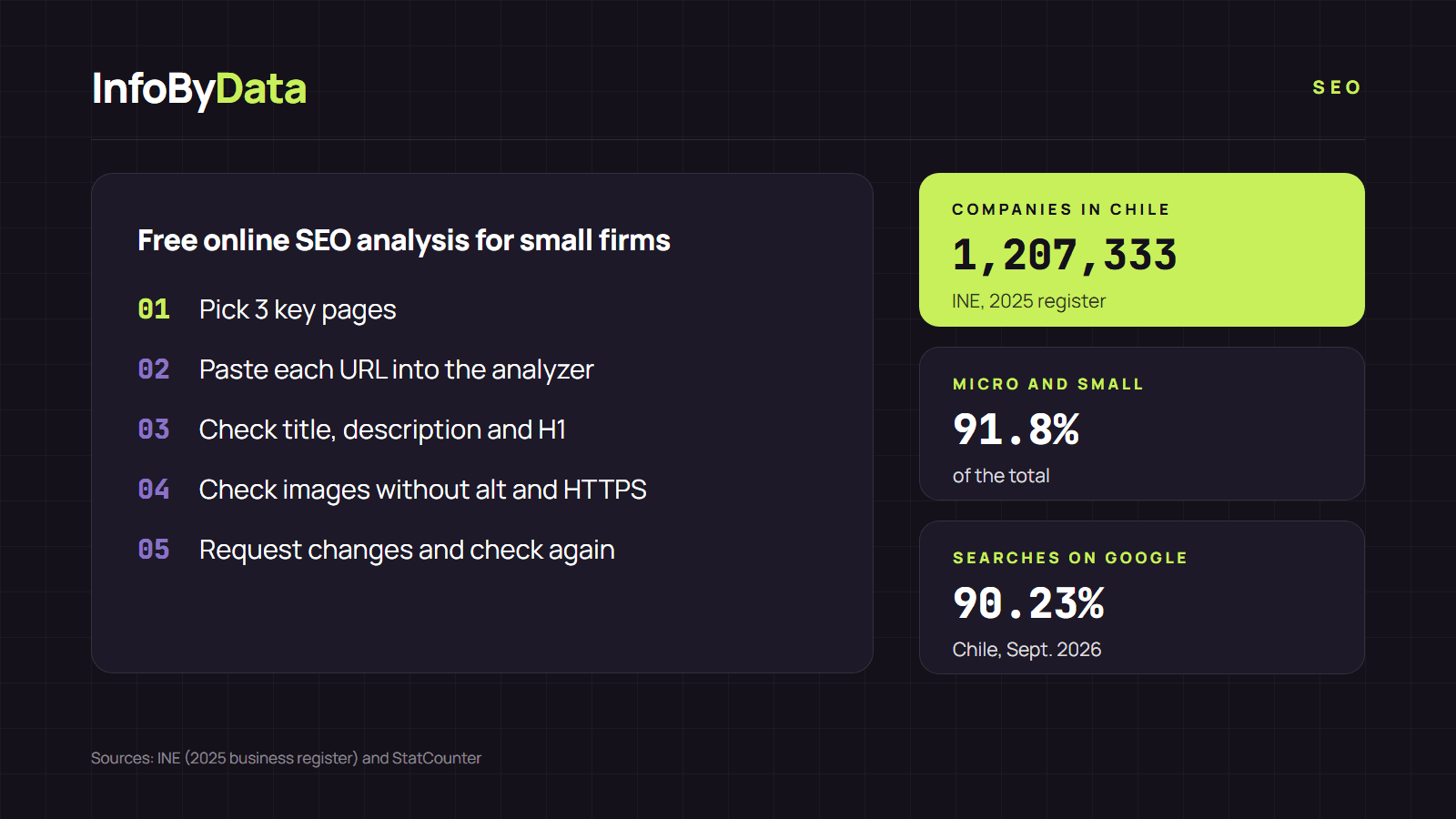
Chile has 1,207,333 companies and 91.8% are micro or small businesses, according to INE's 2025 Unified Business Register. Most do not have an SEO expert, but they do have a website and customers who look for it on Google, which handles 90.23% of searches in the country (StatCounter, September 2026). A free online SEO analysis is the simplest way to find out whether your site is well prepared, without installing anything or knowing how to code.
1,207,333
Companies in Chile
2025
91.8%
Micro and small
of the total
90.23%
Searches made on Google
Chile, Sept. 2026
Source: INE, 2025 Unified Business Register and StatCounter, Sept. 2026
View the data as a table
| Companies in Chile | 1,207,333 | 2025 |
| Micro and small | 91.8% | of the total |
| Searches made on Google | 90.23% | Chile, Sept. 2026 |
Step 1: choose which pages to check
You do not need to check the whole site. Pick three pages:
- Your home page, the one people see when they search for your business name.
- Your most important sales page: your main product or service.
- Your contact or location page, if people look you up to visit your shop.
Step 2: run the free online SEO analysis
Copy the address of each page (for example, https://yourbusiness.com/services) and paste it into our online SEO analysis. No sign-up required. In seconds you will see a list of results in green, yellow and red.
Step 3: understand the five results that matter most
| Result | What it is, in plain words | What it should say |
|---|---|---|
| Title | The blue text that appears in Google | What you offer and your brand, in 50 to 60 characters. E.g.: "Bakery in Ñuñoa: custom cakes to order - Dulce Mía" |
| Meta description | The grey text under the title in Google | A sentence that invites a click, 150 to 160 characters |
| H1 | The main title visible on your page | A single clear title about that page's topic |
| Images without alt | Photos without a written description | Describe each photo: "three-tier chocolate cake" |
| HTTPS | The browser padlock | It should say "yes" on every page |
Google explains in its starter guide that the title should be unique for each page, clear and concise. And it warns that it does not use the "meta keywords" tag, so if someone offers to fill it in for you, it is not worth it.
Step 4: write it down and prioritize
With the results of the free online SEO analysis, make a short list. Start with whatever is red on your home page and your sales page. A common mistake at small businesses: every page has the same title, for example just the company name. Changing that is simple and helps Google understand what each page offers.
Step 5: request the changes (or make them yourself)
If you use a platform such as WordPress, Shopify, Wix or Jumpseller, the title and the description can usually be edited in a field called "SEO" inside each page or product. If a provider manages your site, send them the list in this format:
- Page: full address.
- What to change: "the title says X; it should say Y".
- How to confirm: "after the change, I will check it with an online SEO analysis".
Once the changes are made, run each page through the online SEO analysis again to confirm they went live.
What this analysis will not tell you
A free online SEO analysis reviews a page's code, but it does not tell you where you rank on Google or how many people visit you. For that, create a free Google Search Console account. We explain its limits in our article on what an online SEO analysis can and cannot detect, and how to find your position in check your website ranking.
What it means for you
- You do not need to be an expert to start. Three pages and five results are enough to find the errors that matter most.
- Every page deserves its own title. It is the simplest change and one of the most useful for a small business.
- Check after every change. Request changes with concrete examples and confirm them with a new analysis.
Sources
- free online SEO analysis
- online SEO analysis
- SEO for small businesses
- SEO analyzer
- meta description
- SEO title