Free or paid SEO analyzer: what are the differences and when is each one worth it
A free SEO analyzer covers the most common errors on a page. A paid one adds full crawling, history and competitor data. When each one makes sense for you.
· 3 min read
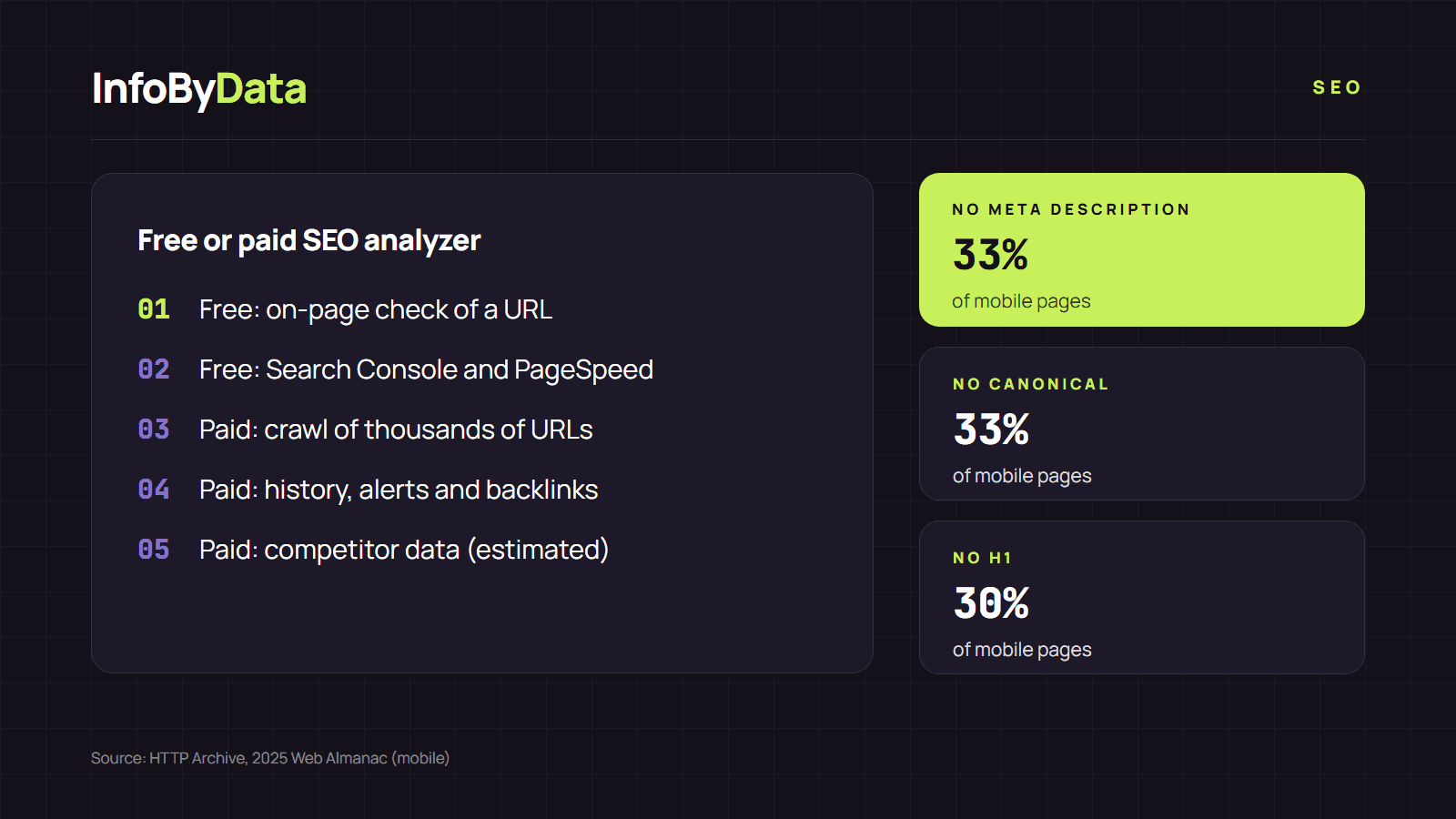
Do you need a subscription to check your site's SEO? It depends on its size and on what you want to know. A free SEO analyzer detects the most common on-page errors, and there are plenty of them: according to the 2025 Web Almanac, 33% of mobile pages have no meta description, 30% have no H1 and 33% do not declare a canonical URL. You do not need to pay to find those problems on a page.
What a free SEO analyzer does
A free SEO analyzer checks one page at a time. You give it a URL and it returns the title, the meta description, the headings, the canonical, the images without alternative text, the links and the structured data. That is what our SEO analyzer does: no sign-up, no limit for reasonable use and results in seconds.
Google's free tools add data that no external analyzer can see:
- Google Search Console: which pages are indexed, which searches you appear for and how many clicks you get.
- PageSpeed Insights: a page's Core Web Vitals, with real-user data when there is enough traffic.
What a paid SEO analyzer adds
Paid suites do not check a single page better: their advantage lies in scale and context. In general they add:
| Feature | Free SEO analyzer | Paid tool |
|---|---|---|
| On-page check of a URL | Yes | Yes |
| Full-site crawl | Limited or no | Yes, thousands of URLs |
| History and alerts | No | Yes |
| Inbound links (backlinks) | No | Yes, from their own databases |
| Rankings and competitors | Search Console (your site only) | Yes, for other sites too |
| Cost | 0 | Monthly subscription |
The competitor and backlink data in paid tools are estimates based on their own crawls, not Google data. They are useful for comparing trends, but they do not match what you see in Search Console.
When a free SEO analyzer makes sense
- Small or mid-sized sites (a small business, a blog, a store with few categories): you can check the key pages one by one.
- One-off checks before publishing a new page or after changing a template.
- Learning SEO: seeing your page's code explained point by point is the best way to understand what Google looks at.
When it is worth paying
- Sites with thousands of URLs, such as a large e-commerce site or a news outlet, where errors repeat across templates and cannot be checked by hand.
- Agencies that need regular reports for several clients.
- Link-building or competitor strategies, where backlink data is the core of the work.
A good rule: start with a free SEO analyzer and Search Console. If you find yourself spending hours checking pages one by one, or you need data about other sites, that is the moment to consider a subscription. We cover the options for watching other sites in our article on SEO tools to monitor the competition and, for free ones, in free SEO tools.
What it means for you
- Do not pay before fixing the basics. A third of pages have no meta description: you can find that for free with an SEO analyzer.
- Combine tools. The analyzer checks the code; Search Console tells you what happens in Google. Together they cover almost everything a small site needs.
- Pay for scale, not for promises. A subscription is justified when it saves hours of manual checking or provides data you cannot get any other way.
Sources
- free SEO analyzer
- SEO analyzer
- SEO tools
- on-page SEO
- crawling
- Search Console