Free SEO tools: which ones to use to analyze and improve your site
The free SEO tools worth using in 2026, from Google Search Console to PageSpeed Insights and the SEO Checker, and what each one does for your website.
By Paulina · SEO and digital strategy specialist
· 3 min read
You don't need to pay for a subscription on day one to improve your site's ranking. The free SEO tools from Google, Bing and other platforms cover almost everything a small business, a media outlet or an online store needs: knowing how people find you, what errors your pages have and how fast they load. The key is to use each one for what it does best.
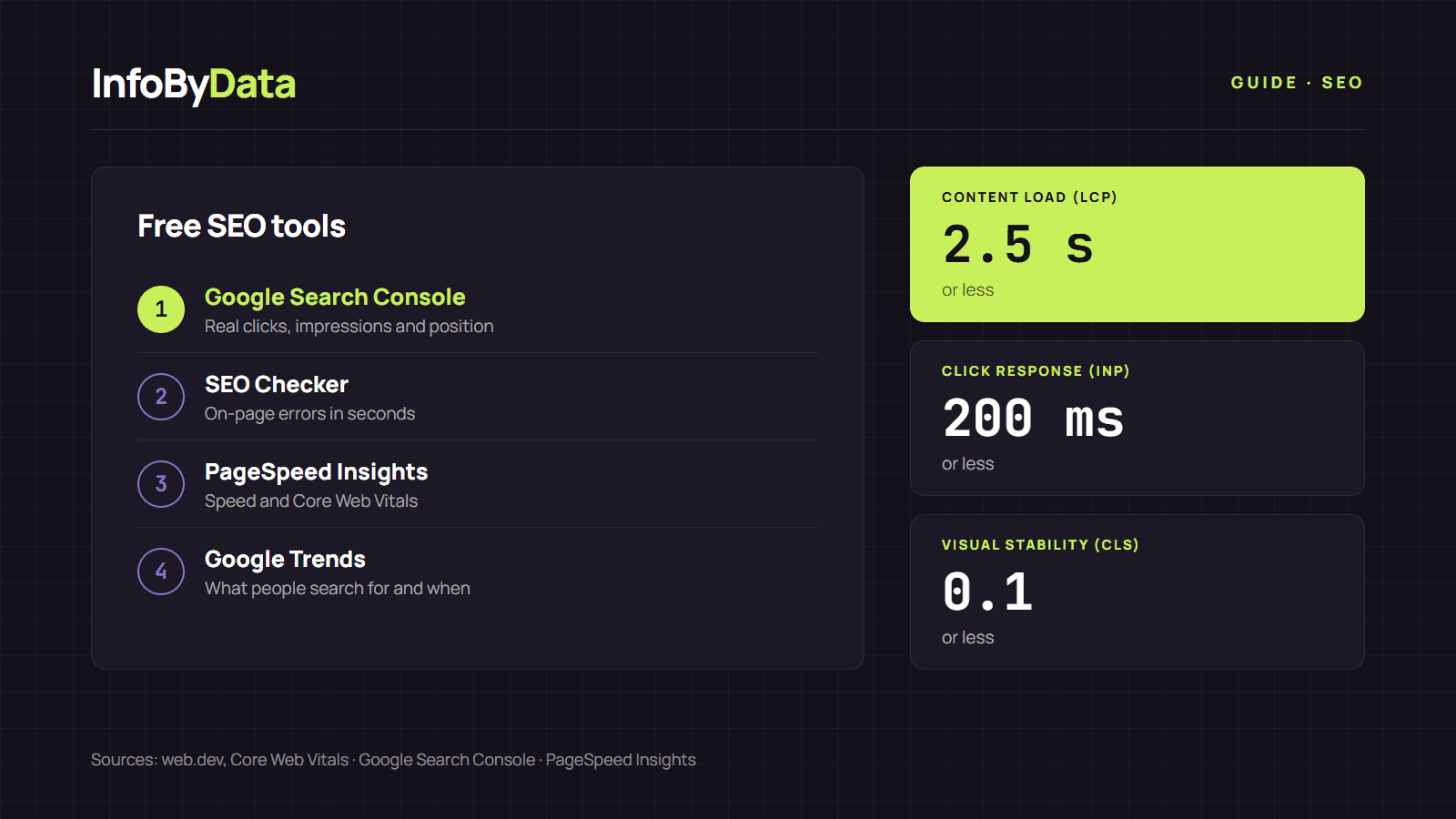
2.5 seconds
Main content load (LCP)
or less
200 milliseconds
Interaction response (INP)
or less
0.1
Visual stability (CLS)
or less
Source: web.dev, Core Web Vitals
View the data as a table
| Main content load (LCP) | 2.5 seconds | or less |
| Interaction response (INP) | 200 milliseconds | or less |
| Visual stability (CLS) | 0.1 | or less |
Google's free SEO tools
Google Search Console is the first one you should set up. It is the only one that shows real Google data about your site: which searches you appear in, how many clicks you get, which pages are indexed and whether there are errors. We explain how to read its numbers in our guide to SEO metrics.
PageSpeed Insights measures a page's speed and experience on mobile and desktop. It uses Core Web Vitals, the metrics Google recommends: according to web.dev, a good page loads its main content in 2.5 seconds or less, responds to a click in 200 milliseconds or less and barely shifts elements while loading.
Rich Results Test checks whether a page's structured data is valid and whether it can show stars, prices or FAQs in results.
Google Trends shows how interest in a search changes over time and by region. It helps choose topics and spot seasonality, such as Cyber Monday or Black Friday.
Google Ads Keyword Planner gives search volume ranges. It requires a Google Ads account, but you don't have to pay for campaigns to use it.
Other free SEO tools worth knowing
Bing Webmaster Tools is Bing's version of Search Console. Bing has fewer searches than Google in Chile, but registering your site takes a few minutes and gives you another view of crawling errors.
At InfoByData we built three free SEO tools with no sign-up that complement Google's:
- SEO Checker: paste a page's address and within seconds check its title, meta description, H1 and H2, canonical, indexing, images without alt text, links and structured data. It's the fastest way to spot on-page errors without installing anything.
- SERP simulator: shows how your result will look on Google and measures title and description length in characters and pixels.
- Free AI Checker: checks whether AI search engine robots can read your page and whether it has the signals their answers use.
Which tool to use for each task
| I need to know… | Free tool | What it gives you |
|---|---|---|
| Which searches I appear in and how many clicks I get | Google Search Console | Real clicks, impressions, CTR and average position |
| Whether a page has on-page SEO errors | SEO Checker | List of errors and warnings per page |
| Whether my site loads fast | PageSpeed Insights | Core Web Vitals and technical suggestions |
| How my result looks on Google | SERP simulator | Desktop and mobile preview |
| Whether my structured data works | Rich Results Test | Validation and preview |
| What topics people search for | Google Trends and Keyword Planner | Trends and volume ranges |
| Whether I appear in AI search engines | Free AI Checker | AI robot access and content signals |
If you later need to track competitors or follow thousands of keywords, that's when paid platforms come in. We compare them in our guide to SEO tools for monitoring the competition in Chile.
A monthly routine with free SEO tools
- Search Console: check which pages gained or lost clicks compared with the previous month.
- SEO Checker: run the pages that dropped through the SEO Checker and fix the errors it finds.
- PageSpeed Insights: measure your main templates (home, category and one product page or article).
- SERP simulator: rewrite the titles of pages with many impressions and few clicks.
What it means for you
- Start for free: with Search Console, PageSpeed Insights and the SEO Checker you cover the essentials without paying.
- Each tool answers a different question: Search Console measures results, the SEO Checker explains errors and PageSpeed measures speed. Use them together.
- Pay only when you need to: paid platforms are for analyzing competitors, not for fixing the basics.
Sources
- free SEO tools
- Google Search Console
- PageSpeed Insights
- SEO Checker
- Core Web Vitals