AI tools for creating videos: which ones exist and how much they cost
AI tools for creating videos generate clips from a text or create virtual presenters. Runway and Synthesia: their costs, how credits work and what to watch for.
· 2 min read
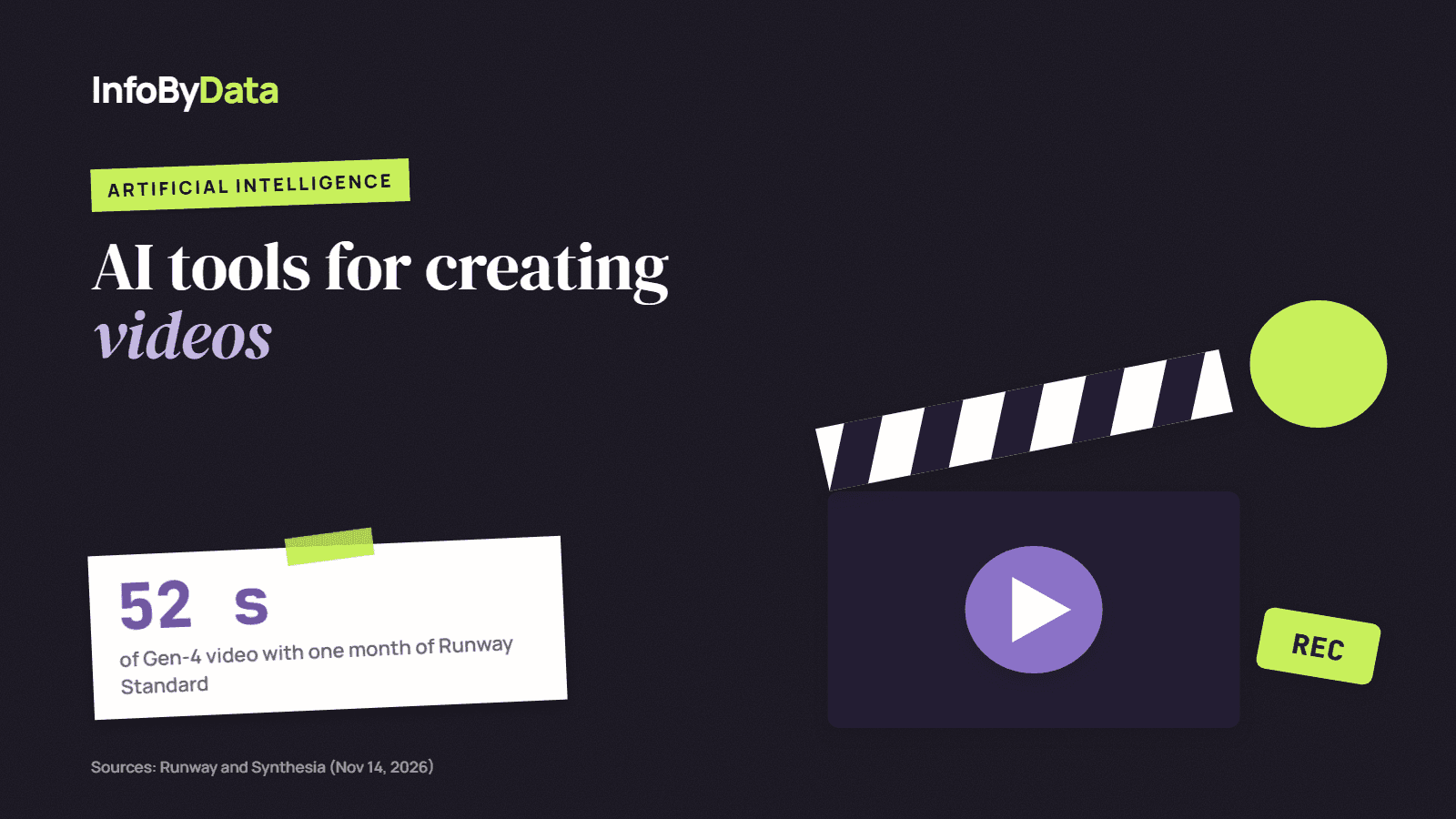
AI tools for creating videos do two very different things. Some generate scenes from a written description or an image, like Runway. Others create virtual presenters (avatars) that read a script, like Synthesia, widely used for training and corporate videos. Both work with credits: every second of video uses up part of your plan.
52 seconds
Runway Standard
of Gen-4 video with one month of credits
500 credits
Synthesia free
a month, with watermark
125 credits
Runway free
one time, to try it out
Source: Pricing pages of Runway and Synthesia, checked on Nov 14, 2026
View the data as a table
| Runway Standard | 52 seconds | of Gen-4 video with one month of credits |
| Synthesia free | 500 credits | a month, with watermark |
| Runway free | 125 credits | one time, to try it out |
AI tools for creating videos: options and prices
| Tool | What it is for | Free plan | Paid plans |
|---|---|---|---|
| Runway | Generating scenes from text or images | 125 credits, one time | Standard: US$ 15 a month (US$ 12 with annual billing), 625 credits, about 52 seconds of Gen-4. Pro: US$ 35 (US$ 28 annual), 2,250 credits |
| Synthesia | Videos with avatars that read a script | 500 credits a month, with watermark | Starter: US$ 19 a month (US$ 9 the first month), 1,250 credits. Pro: US$ 89 a month (US$ 49 the first month), 6,000 credits |
Credits run out fast. In Runway, the 625 credits of the Standard plan are enough for about 52 seconds of video with its Gen-4 model. Before paying, work out how many seconds of video you need each month.
What each type of AI tools for creating videos is good for
- Product and social media videos: tools that generate scenes are useful for backgrounds, transitions and short clips. To show a real product, filming it is still better.
- Training and internal communications: avatars let you update a video by changing the script, without filming again.
- Translations: avatars make it easier to have the same video in several languages.
What to watch for
- Rights and likeness. Check each plan's terms of use, especially for commercial use, and do not use real people's image or voice without permission.
- Transparency. If a video is AI-generated, it is good practice to say so. Many platforms require labeling.
- Quality. Generated videos can still show errors in hands, text and movement. Review them before publishing.
Make sure your video can be found
A video published on your site needs text that explains it (title, description and transcript) so search engines and AI assistants can understand it. Check with our free AI Checker whether your site is ready to appear in ChatGPT, Gemini and Perplexity answers.
What it means for you
- Choose by type of video. Creative scenes and avatars are different tools with different prices.
- Count the seconds, not just the plan. The real cost depends on how many credits each video uses.
- Pair the video with text. That is how Google and AI assistants find it: check it with the AI visibility checker.
Sources
- AI tools for creating videos
- Runway
- Synthesia
- video
- marketing
- artificial intelligence