AI tools for creating presentations: which ones exist and how much they cost
AI tools for creating presentations build slides from a text or a document. What Microsoft, Google and Gamma offer, and how much they cost, as of November 2026.
· 3 min read
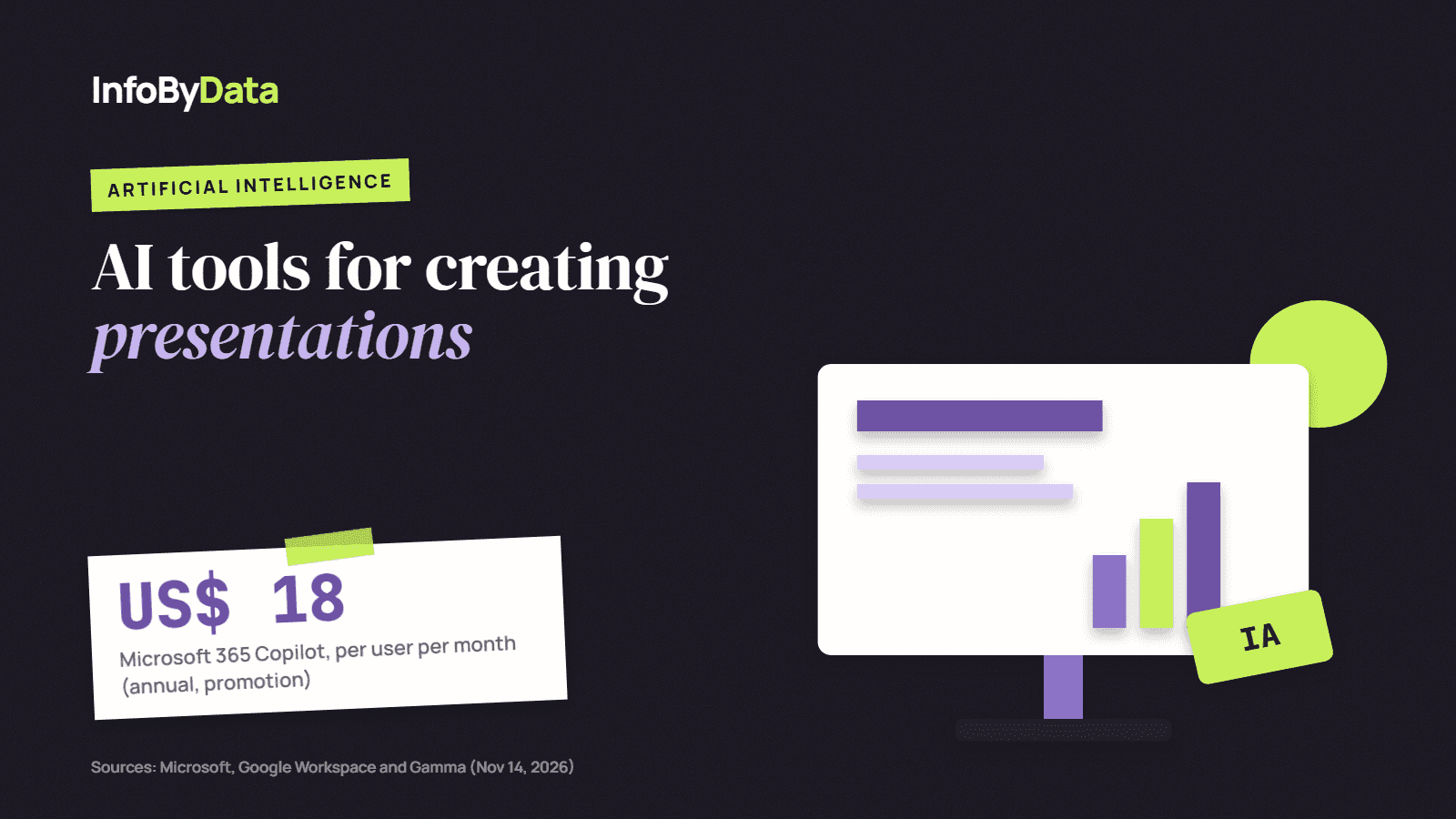
AI tools for creating presentations turn a text, a document or an idea into a slide deck with titles, images and design. They are part of a broader trend: according to Eurostat, 8.76% of European companies with 10 or more employees already use AI that generates text or speech, up from 1.3% in 2021.
US$ 18
Microsoft 365 Copilot Business
per user per month, annual billing (promotion)
CLP 13,000
Google Workspace Standard
per user per month in Chile, with Gemini
400 credits
Gamma free
at signup, non-renewing
Source: Microsoft, Google Workspace and Gamma, checked on Nov 14, 2026
View the data as a table
| Microsoft 365 Copilot Business | US$ 18 | per user per month, annual billing (promotion) |
| Google Workspace Standard | CLP 13,000 | per user per month in Chile, with Gemini |
| Gamma free | 400 credits | at signup, non-renewing |
What these tools do
AI tools for creating presentations work from a written instruction. You ask, for example, for "an 8-slide presentation on the quarter's sales results" and the tool proposes the structure, writes the text and applies a design. Then you correct it, add your data and adjust the tone.
They are most useful for the first draft. Review is still human: the data, figures and conclusions have to come from your own sources.
The main options and how much they cost
| Tool | Where it works | Price | Worth knowing |
|---|---|---|---|
| Microsoft 365 Copilot Business | PowerPoint, Word, Excel, Outlook and OneNote | US$ 18 per user per month with annual billing (promotional price until Dec 31, 2026; regular: US$ 21) or US$ 25.20 monthly | It is an add-on: it requires a Microsoft 365 plan |
| Gemini in Google Workspace | Slides, Docs, Gmail and Meet | Standard plan: CLP 13,000 per user per month in Chile; Plus: CLP 20,200 | The Starter plan (CLP 6,500) only includes Gemini in Gmail |
| Gamma | Web; creates presentations, documents and sites | Free plan with 400 one-time credits; Plus, Pro and Ultra plans with 1,500, 4,000 and 20,000 credits a month | Gamma did not publish its prices in a format we could verify; check them on its site |
Source: Eurostat, isoc_eb_ai, European Union (27 countries)
View the data as a table
| 2021 | 1.3% |
| 2023 | 2.1% |
| 2024 | 5.41% |
| 2025 | 8.76% |
If your company already works with Microsoft 365 or Google Workspace, the simplest option is usually to turn on AI inside the tools you already use. Standalone tools such as Gamma are useful if you do not have a suite or want a faster, more visual design.
How to get the most out of them
- Start from your own document. AI works better if you give it a report or your notes, not just a topic.
- Ask for the structure before the design. Check that the order of the slides tells the story well.
- Check every figure. AI tools for creating presentations can make up data if you do not provide it.
- Protect sensitive information. Review your plan's privacy policies before uploading customer data.
And if your presentation ends up on the web
Many presentations end up published as a page or PDF on the company's site. If you want that content to appear when someone asks ChatGPT, Gemini or Perplexity, check your site with our free AI Checker: it tells you which AI robots can read it and what it is missing. If you already use AI to create content, you should also use it to measure whether AI search engines find it.
What it means for you
- Start with what you already pay for. If your company has Microsoft 365 or Google Workspace, AI may be just one plan away.
- Use AI for the draft, not the final version. The savings come from not starting with a blank page.
- Measure whether your content is visible. What you publish should also be readable by AI: check it with the AI visibility checker.
Sources
- AI tools for creating presentations
- Microsoft 365 Copilot
- Gemini
- Gamma
- productivity
- artificial intelligence