On-page SEO by the numbers: 7 best practices backed by data (2026)
Google rewrites 6 out of 10 titles and more than half of meta descriptions, and only 43% of mobile sites pass Core Web Vitals. We reviewed the studies to separate the on-page practices that actually drive clicks from the myths.
By Paulina · SEO and digital strategy specialist
· 6 min read
The top organic result on Google gets an average 27.6% of clicks, and moving up a single position increases CTR by 2.8 percentage points, according to a Backlinko analysis of 4 million search results. Going from second to first place means 74.5% more clicks.
On-page SEO is everything you optimize on the page itself to win those rankings and clicks: the title, headings, meta description, URL, images and speed. It is the part of SEO that depends 100% on you. Even so, a large share of the web still misses the basics.
Source: HTTP Archive, Web Almanac 2024 (SEO chapter)
View the data as a table
| Have a title tag | 98.2% |
| Use HTTPS | 88.9% |
| Have at least one H1 | 70% |
| Have a meta description | 66.4% |
| Have a canonical tag | 65% |
Almost every page has a title, but one in three has no meta description and 30% have no H1. These are the seven practices that matter most, with the data behind them.
1. Write titles of 50 to 60 characters
The title (the <title> tag) is the first thing a user sees on Google. But Google doesn't always show it as written: a Zyppy study of 80,959 titles from 2,370 sites found that Google rewrote 61.6% of them.
Length is the biggest factor. Titles of 51 to 60 characters were rewritten the least (between 39% and 42%), while titles over 70 characters were rewritten 99.9% of the time. The web's median is far from that range: mobile page titles are 79 characters long, according to the Web Almanac 2024.
Source: Zyppy, study of 80,959 titles (2022)
View the data as a table
| Over 70 characters | 99.9% |
| 1 to 5 characters | 96.6% |
| With text in [brackets] | 77.6% |
| With text in (parentheses) | 61.9% |
| Average of all titles | 61.6% |
Length also affects clicks: in the Backlinko study, titles of 40 to 60 characters had the highest CTR.
Best practices from Google's official guide: a unique title for each page, descriptive and concise, without repeated keywords, with the brand name at the start or end separated by a hyphen or colon.
2. Make the H1 match the title
Google doesn't only look at the <title> tag to build the title it shows. It also uses the page's visible title, headings such as the H1, the text of links pointing to the page and other signals, according to its documentation.
That is why Google changes titles less when the H1 and the title say the same thing. Zyppy measured one specific case: when both the title and the H1 include the same number (for example, "7 practices"), Google keeps a number in the title 97.3% of the time. When the number is only in the title, Google removes it in 25.8% of cases.
Even so, 30% of pages have no H1 at all, according to the Web Almanac 2024.
3. Write the meta description even if Google changes it
According to an Ahrefs study of 20,000 keywords, Google rewrites the meta description 62.78% of the time and shows a snippet of the page text instead. For long-tail searches the figure rises to 65.62%.
Is it still worth writing? Yes, for two reasons:
- In almost 4 out of 10 searches, Google does show the description you wrote.
- Google uses it when it thinks it describes the page better than the page text itself, according to its snippet guide.
Google sets no character limit, but it truncates long descriptions to fit the screen. It recommends a unique description for each page that summarizes the whole page and isn't a list of keywords.
4. Use short, descriptive URLs
In Backlinko's analysis, URLs similar to the search keyword had a 45% higher CTR than those that weren't. This is a correlation, not proof that the URL causes the increase, but it points the same way as common sense: a URL like /on-page-seo tells users what they'll find before they click.
5. Describe every image with alt text
The alt attribute describes an image for people using screen readers and for Google. On the median mobile page, only 58% of images have alt text, according to the Web Almanac 2024.
Good alt text describes what the image shows in a few words ("chart of CTR by Google position") and doesn't stuff keywords.
6. Pass Core Web Vitals
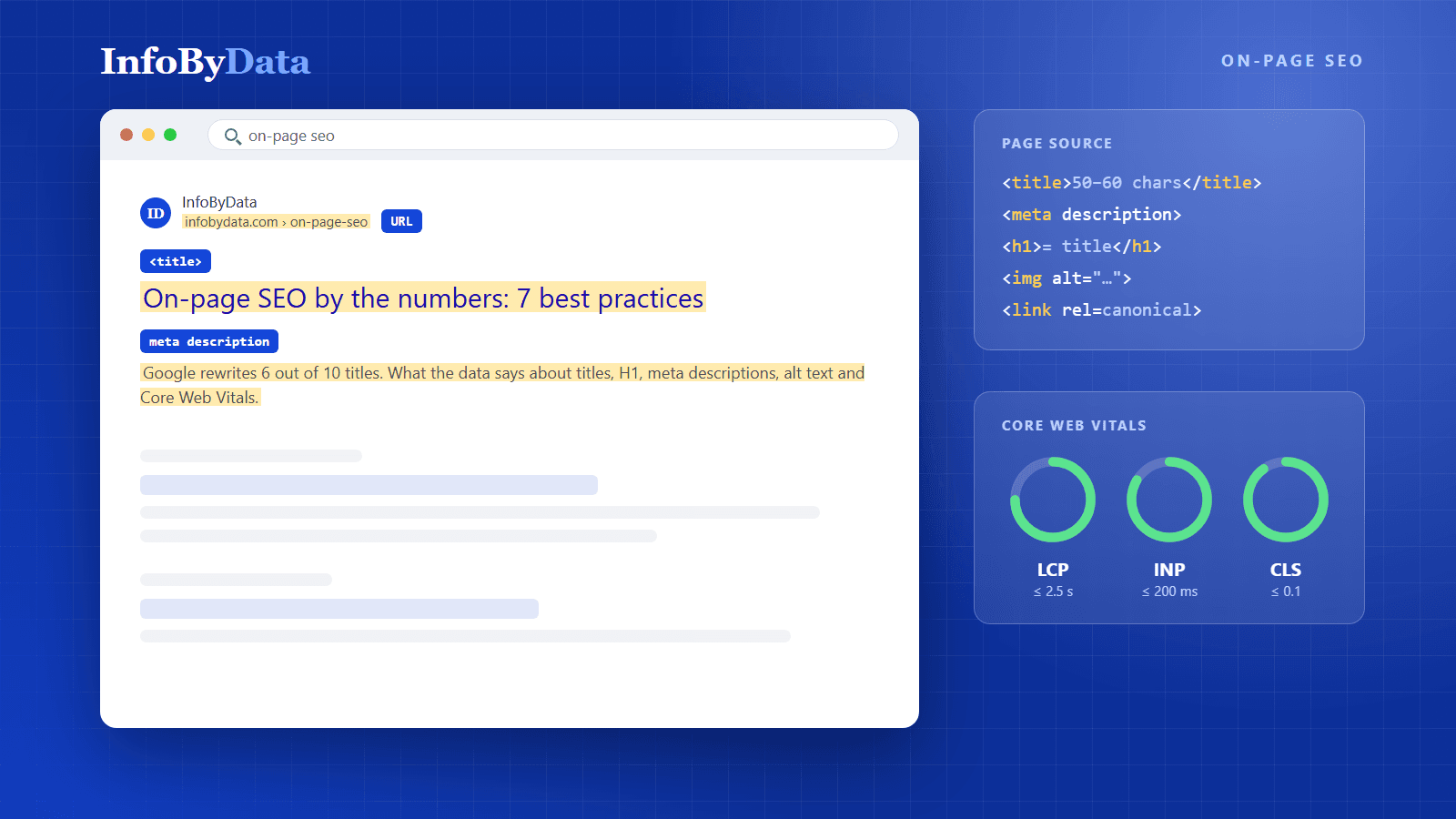
Core Web Vitals are the metrics Google uses to measure a page's loading, responsiveness and visual stability. These are the thresholds for a "good" page, according to web.dev:
| Metric | What it measures | Good | Poor |
|---|---|---|---|
| LCP | How long the main content takes to load | 2.5 seconds or less | Over 4 seconds |
| INP | How long the page takes to respond to a click or tap | 200 milliseconds or less | Over 500 milliseconds |
| CLS | How much content shifts while loading | 0.1 or less | Over 0.25 |
Google evaluates these metrics with real-user data, not lab tests: a page passes when at least 75% of visits meet the threshold.
Most sites don't. In 2024, only 43% of mobile sites passed all three metrics at once (54% on desktop), according to the Web Almanac 2024 performance chapter. The weakest point is loading speed.
Source: HTTP Archive, Web Almanac 2024 (performance chapter)
View the data as a table
| CLS (stability) | 79% |
| INP (responsiveness) | 74% |
| LCP (loading) | 59% |
| All three at once | 43% |
7. Get the technical basics right: HTTPS and canonical
These are two settings you configure once that protect the whole site:
- HTTPS: 88.9% of mobile pages already use it. A site without the padlock is in the minority, and browsers flag it as "not secure".
- Canonical tag: tells Google which version of a page is the main one when there are several similar versions, for example with and without URL parameters. 65% of mobile pages use it.
On-page SEO checklist
| Practice | Target | Key figure |
|---|---|---|
| Title | 50 to 60 characters, unique, with the keyword | Google rewrites 61.6% of titles |
| H1 | One per page, aligned with the title | 30% of pages have no H1 |
| Meta description | Unique, summarizing the page | Google rewrites it 62.78% of the time |
| URL | Short, with the keyword | 45% higher CTR for descriptive URLs |
| Images | Alt text on all of them | Only 58% of images have it |
| Core Web Vitals | LCP ≤ 2.5 s, INP ≤ 200 ms, CLS ≤ 0.1 | Only 43% of mobile sites pass |
| HTTPS and canonical | Enabled across the site | Used by 88.9% and 65% of pages |
A caveat: the Zyppy (2022) and Ahrefs (2020) studies are one-off measurements, and Google changes its systems often, so the exact figures may have shifted. The trend holds: clear, short titles and descriptions that match the page are the ones Google respects most.
What it means for you
- Start with your longest titles: trimming them to 50 or 60 characters and aligning them with the H1 is the cheapest change and the one that most affects how users see you on Google.
- Don't drop the meta description: even though Google changes it often, in almost 4 out of 10 searches your text is what convinces users to click, or not.
- Measure your Core Web Vitals with real-user data: most sites fail on loading speed, so improving LCP can give you an edge over your competitors.
Sources
- Backlinko: "We Analyzed 4 Million Google Search Results. Here's What We Learned About Organic Click Through Rate"
- Zyppy: "Google Rewrites 61% of Page Title Tags" (study of 80,959 titles, 2022)
- Ahrefs: "How Often Does Google Rewrite Meta Descriptions?" (2020)
- HTTP Archive: Web Almanac 2024, SEO chapter
- HTTP Archive: Web Almanac 2024, performance chapter
- Google Search Central: Influencing your title links
- Google Search Central: Control your snippets and meta descriptions
- web.dev: How the Core Web Vitals thresholds were defined
- on-page SEO
- title tag
- meta description
- Core Web Vitals
- CTR